

Is a GPS Drone Worth It for Beginners? 2026 Guide
Table of Contents
- GPS vs Manual Flight: What Beginners Actually Gain
- How the GPS Drone Return to Home Feature Saves Your Investment
- FAA Drone Registration Requirements Every Beginner Must Know
- How to Fly a Drone for Beginners: Your First Flight Plan
- When GPS Signal Drops: Troubleshooting and Failsafe Modes
- Battery Life, Maintenance, and the Real Cost of a GPS Drone
- Frequently Asked Questions
Last Updated: September 15, 2026
GPS vs Manual Flight: What Beginners Actually Gain
A GPS drone is worth it for beginners because it holds position on its own, returns home on command, and softens learning crashes. Here is what it adds, what it costs, and when a cheaper non-GPS model makes more sense.
The difference shows up in the first ten seconds. A GPS drone locks onto satellites before takeoff, then uses that data to fight wind, drift, and your shaky thumbs. A non-GPS drone does none of that, every correction comes from you.
A GPS drone is a quadcopter that uses satellite positioning to hold its location, altitude, and heading without constant stick input. The receiver pulls signals from multiple satellites, a barometer and IMU feed altitude and motion data into the flight controller, and the aircraft adjusts its motors dozens of times per second to stay put.
Hover Stability and Drift Control
Hover stability is the biggest reason beginners should start with GPS: let go of the sticks and it stays roughly where you left it, even in a light breeze.
On a non-GPS model, releasing the sticks means the drone drifts with whatever air is moving, so you fly every second, exhausting and expensive when a wall gets in the way. Sensor fusion, GPS, barometer, and IMU combined into one position estimate, keeps that drift in check.
Altitude hold matters just as much. A GPS drone maintains height automatically, so you only manage pitch, roll, and yaw. Without it, throttle control becomes a constant balancing act that burns battery just staying level.
What Non-GPS Drones Teach You
Flying without GPS builds stick skills fast: throttle control, how yaw and pitch interact, how wind pushes an aircraft around. Some pilots argue that's the right foundation.
The trade-off: those lessons come with a repair bill, since every mistake ends in a crash and a beginner's first ten flights are mostly mistakes. For aerial photography or fun flying, GPS removes the steepest part of the learning curve. For racing or acro, manual is the point.
How the GPS Drone Return to Home Feature Saves Your Investment
The GPS drone return to home feature pays for itself. Press the button, or let the failsafe trigger, and the aircraft flies back to its recorded takeoff point and lands.
Losing sight of a drone is the most common beginner mistake: a few hundred feet away against a bright sky, it disappears. Without GPS you search the horizon while the battery drains; with it, you press one button and wait.
Return to home works in three stages:
- The flight controller records its takeoff coordinates during the satellite lock sequence
- When triggered, the drone climbs to a preset altitude above surrounding obstacles
- It flies a straight line back, then descends and lands at the recorded point
Most modern GPS drones also trigger return to home automatically on low battery or signal loss, turning a lost-link emergency into a non-event.
Precision landing, where downward-facing sensors land the drone within a small radius of its takeoff point, is the newer version. It is not perfect, but it beats watching your drone descend into a tree.
FAA Drone Registration Requirements Every Beginner Must Know
FAA drone registration requirements apply to any recreational drone weighing more than 0.55 pounds, which covers nearly every GPS model on the market (faa.gov). Register through the FAA's DroneZone system before your first flight.
Registration costs a small fee per aircraft, lasts three years, and requires the number on the airframe, visible without tools (faa.gov). You must be at least 13; if younger, an adult registers for you.
Two more rules catch beginners off guard:
- Remote ID. Most drones now broadcast identification and location wirelessly. If yours does not, you need a broadcast module or must fly only at FAA-recognized identification areas.
- Airspace. Recreational flights are capped at 400 feet above ground level, and you must stay clear of controlled airspace unless you have authorization through the FAA's LAANC system.
Check the FAA recreational flyer rules and registration guidance before your first flight, and check again if you travel. Rules for flying near airports, stadiums, and emergency scenes are strict and enforced.
How to Fly a Drone for Beginners: Your First Flight Plan
Learn to fly a drone for beginners by starting in an open field with no people, trees, or water within 100 feet. Fly your first three batteries in beginner mode, which caps speed and altitude while you build muscle memory. The goal of flight one is not footage, it is landing with the same number of propellers you launched with.
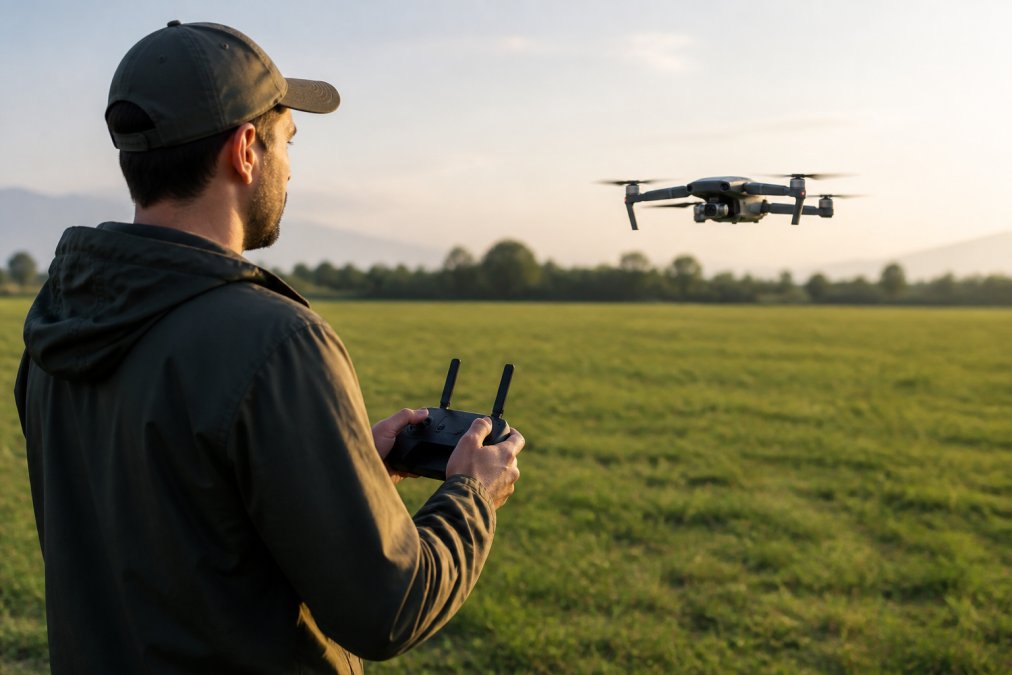
A first flight plan that works, with the specifics that matter:
- Pre-flight check. Props secure and nick-free, battery charged, gimbal clamp removed, memory card inserted, antenna skyward. Spin each prop by hand once, a gritty bearing shows up now, not at 200 feet.
- Power on the controller first, then the drone. This order prevents the drone from trying to bind to nothing. Wait for the controller to show a solid link before you touch the drone.
- Wait for satellite lock. Most apps want a minimum satellite count before arming. Wait until the count is stable for several seconds and confirm a position fix before you arm.
- Take off to eye level and hover. Hold for 30 seconds without touching the sticks. Watch how little the drone moves. This is your baseline for what "normal" looks like on this aircraft.
- Practice small inputs. Gentle pitch forward, gentle yaw. The goal is smooth, not fast, if the drone jerks, your stick input was too large.
- Land manually before you try return to home. You should be able to land the drone yourself before you trust automation. Automation is a backup, not a substitute for the skill.
- Check battery and motor temperature after each flight. Warm is normal. Hot means something is wrong. A single motor noticeably hotter than the others is a warning sign, not a coincidence.
Calibration and Satellite Lock Before Takeoff
Calibration is the step beginners skip, and it causes most of the weird behavior they blame on the drone. Compass calibration tells the flight controller which way is north; IMU calibration tells it which way is level. Both live in the same menu and take under a minute.
Do both at a new location, and redo the compass calibration whenever the app prompts you. A common pattern: calibrate once at home, drive two hours, then wonder why the drone toilet-bowls on takeoff.
When GPS Signal Drops: Troubleshooting and Failsafe Modes
Battery Life, Maintenance, and the Real Cost of a GPS Drone
Maintaining the GPS Sensors Beginners Ignore
| Feature | Drone HD Ultra (B-353) | DMES UAV Sky Seeker |
|---|---|---|
| Price | $125.00 | $150.00 |
| Hover and height control | Yes | Yes |
| Camera | HD Ultra | Dual-lens HD |
| Obstacle avoidance | Not listed | Yes |
| Motor type | Not listed | Brushless |
| Battery | Not listed | Modular |
| Best for | First-time pilots on a budget | Beginners who want camera features |
Frequently Asked Questions
Is a GPS drone good for learning to fly?
Yes, for most beginners. GPS drones hold their position when you release the sticks, so you can pause, think, and correct without the drone drifting into a tree. That stability shortens the learning curve considerably. The tradeoff is that you lean on the automation instead of developing raw throttle control. Many pilots fly a GPS drone first, then practice manual mode in an open field once they are comfortable.
Do I need a license for a GPS drone?
Recreational pilots flying under 55 pounds generally need to register with the FAA and pass The Recreational UAS Safety Test, then carry proof of passing. You do not need a Part 107 remote pilot certificate unless you fly for money or business. Register at faadronegrade.gov, mark your drone with the registration number, and keep your certificate card with you at every flight.
What happens if a GPS drone loses signal?
Most GPS drones trigger a failsafe. Depending on the model and settings, the drone either hovers in place, returns to its recorded home point, or lands where it is. Return to home activates when the controller link drops, the battery hits a low threshold, or you press the button yourself. Set your home point before takeoff and confirm it on the app, because an unset home point is the most common cause of a flyaway.
How much should a beginner spend on a drone?
You can get a capable GPS drone without spending four figures. The DMES UAV Sky Seeker Drone at Tools, Handbags, and More runs $150 and includes an HD camera, obstacle avoidance, a modular battery, and 360-degree rolls. The HD Ultra with hover function is $125 and covers height control and stable hovering. Both sit well below typical entry-level GPS pricing, which leaves room for spare batteries and propellers.